Okay I’ve apparently been signed up for a 5–10 minute talk slot, so I guess I’d better show up. Don’t expect anything fancy or well prepared.
Most of what I want to talk about with folks in person is soliciting help/feedback with various projects that I think are generally useful across a wide variety of notebooks / use cases. I have a whole lot of possible things to talk about and 10m isn’t too much time, so if there’s anything specific anyone wants to hear/chat about, I’m happy to take suggestions (here or via private email).
-
I want to take the math/code from https://observablehq.com/@jrus/cubic-spline and make a little standalone “curves” (think photoshop) type view widget which can either (a) be used generically as an user interface for inputting a function or more concretely (b) can be used for adjusting the color content of an image, ideally with spline evaluation (or lookup table application) implemented in WebGL so adjustments can be applied to large images in real time.
-
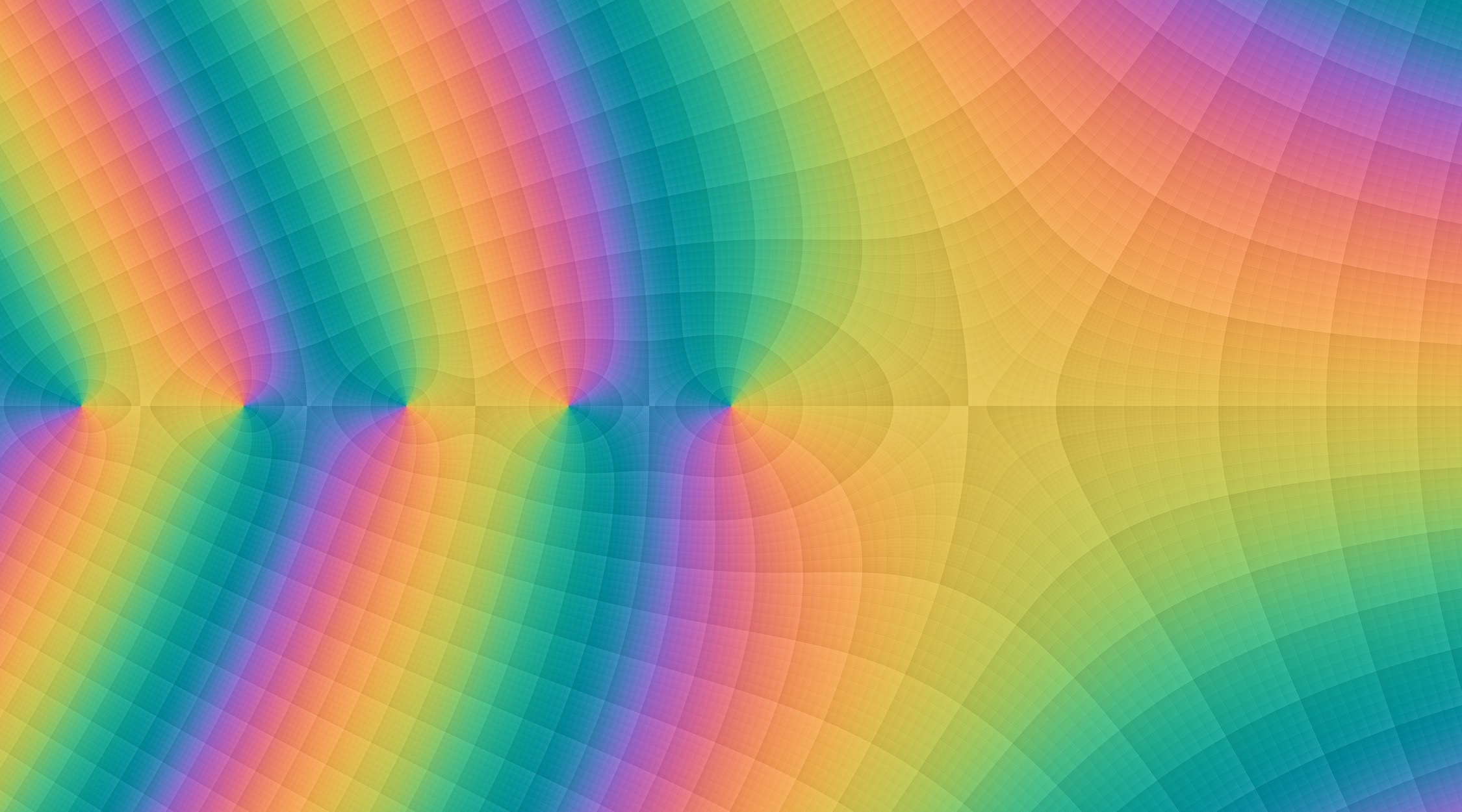
I want to take my idea for shading contour maps with multiple levels of subdivisions from a few years ago (which I implemented in a slow and hacky way in Matlab) and get it implemented in WebGL so it can be used generically (and as a background behind an SVG plot), with the first use case being to shade the background grids behind arbitrary scatter/line plots, but later with the goal of also implementing contour shading (as an alternative to e.g. d3-contour), and to implement complex function coloring the way I think it should be done. I’d like to figure out how to do high-quality antialiasing, etc., without too much GPU expense.
Example picture:
-
I want to make (or entice someone else to make / help me with) some kind of user interface for inputting integers or floating point numbers which shows the individual bits and allows bits to be toggled instead of (or in addition to) showing a slider. I’m not sure if just a row of squares representing bits cuts it, or if sign/exponent/mantissa should be separated, and so on. This type of thing would be very useful for debugging numerical code, or e.g. finding interesting looking input values for https://observablehq.com/@jrus/non-robust-arithmetic-gallery (click through to Vlad’s original to tweak parameters)
-
I still haven’t put the work in to figure out how to draw (interactive) geometric diagrams with reasonably auto-placed LaTeX labels, nice arrowheads, visual elements indicating angles, etc., ideally with diagrams specified in some mostly declarative way without too much boilerplate. What I want is something vaguely like geogebra but with better pictures and more of a code focus than a plop-arbitrary-elements-down-graphically focus. I really need this for many expository notebooks but don’t have the bandwidth to do it properly, so if I end up implementing things myself they’ll probably end up pretty hacky and inelegant and cumbersome.
-
I would like to sometime implement (or entice someone else to implement) a color picker tool based on a human-perception-relevant color space like https://observablehq.com/@jrus/jzazbz or https://observablehq.com/@jrus/cam16 – see my hacky unfinished prototype from 8 (?) years ago at http://www.hcs.harvard.edu/~jrus/colortheory/javascript/colorpicker.html for some idea how this could work.
-
I have found that my process for picking colors for diagrams/etc. in notebooks is inefficient and not especially effective. Often using a hodgepodge of guesswork, code libraries, external graphical tools, … I would love to have (but didn’t get around to implementing and don’t have too much bandwidth for) some kind of “color palette” view which outputs a value like
colors = {red: "#a44", blue: "#44a"}which can be referenced elsewhere in the notebook but (a) in the view itself shows all of the color names with a demonstrative swatch, and (b) includes aselectionwhose color can be viewed/modified via a separate color picker cell. For bonus points, it would be neat to fetch the colors from an attached file (in some kind of standard format(s)), save the palette to a file, drag/drop swatches between palettes, save/load swatches from some browser cache, …?
Note: I can probably only talk about 1 of these things in 5–10 minutes. But would be also happy to chat about the others face to face informally (or via email, etc.). I’m listing them here in case that gets gears churning in anyone’s head / inspires anyone to build stuff (either from this list or other generally useful components which can be used across notebooks).